
Snap the job. Send the quote. Get paid.
Quotes and invoices from your phone, with job photos, a pay QR on every invoice and one-tap reminders. Works with no signal.
Coming soon to Android & iPhone
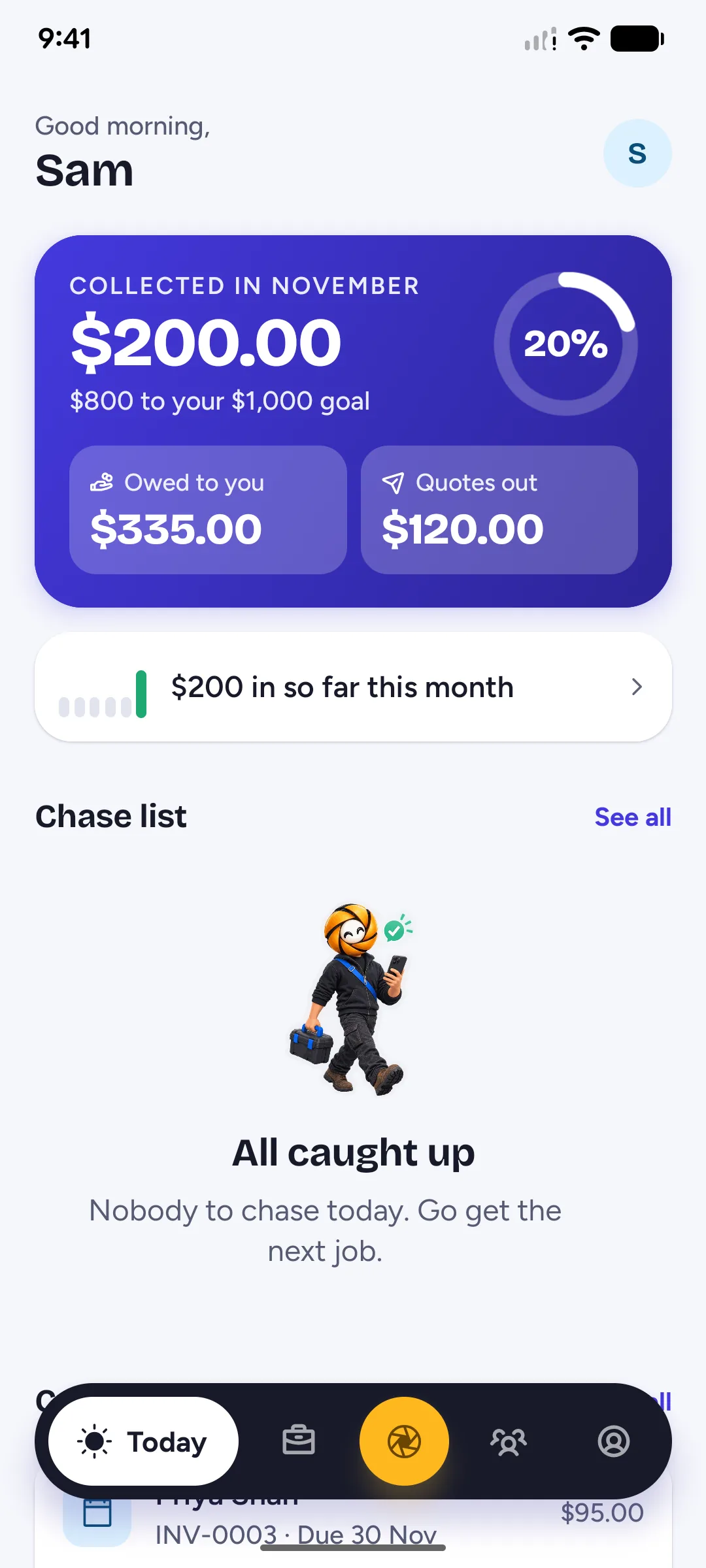
Built for the trades that get paid per job
Why it matters
Stop texting your prices.
Scrappy paperwork caps your rates and slows your payments. The way you bill is the last thing a customer sees, so make it look like you mean it.
- “Hey it’s $220 for the detail 🙏” texted at a red light
- The client goes quiet. You forget what you charged.
- “You never cleaned the back seats.” No proof.
- Carbon copies that get wet and lost
- A clean PDF with your logo, totals and a pay QR
- Before and After photos kept with the job
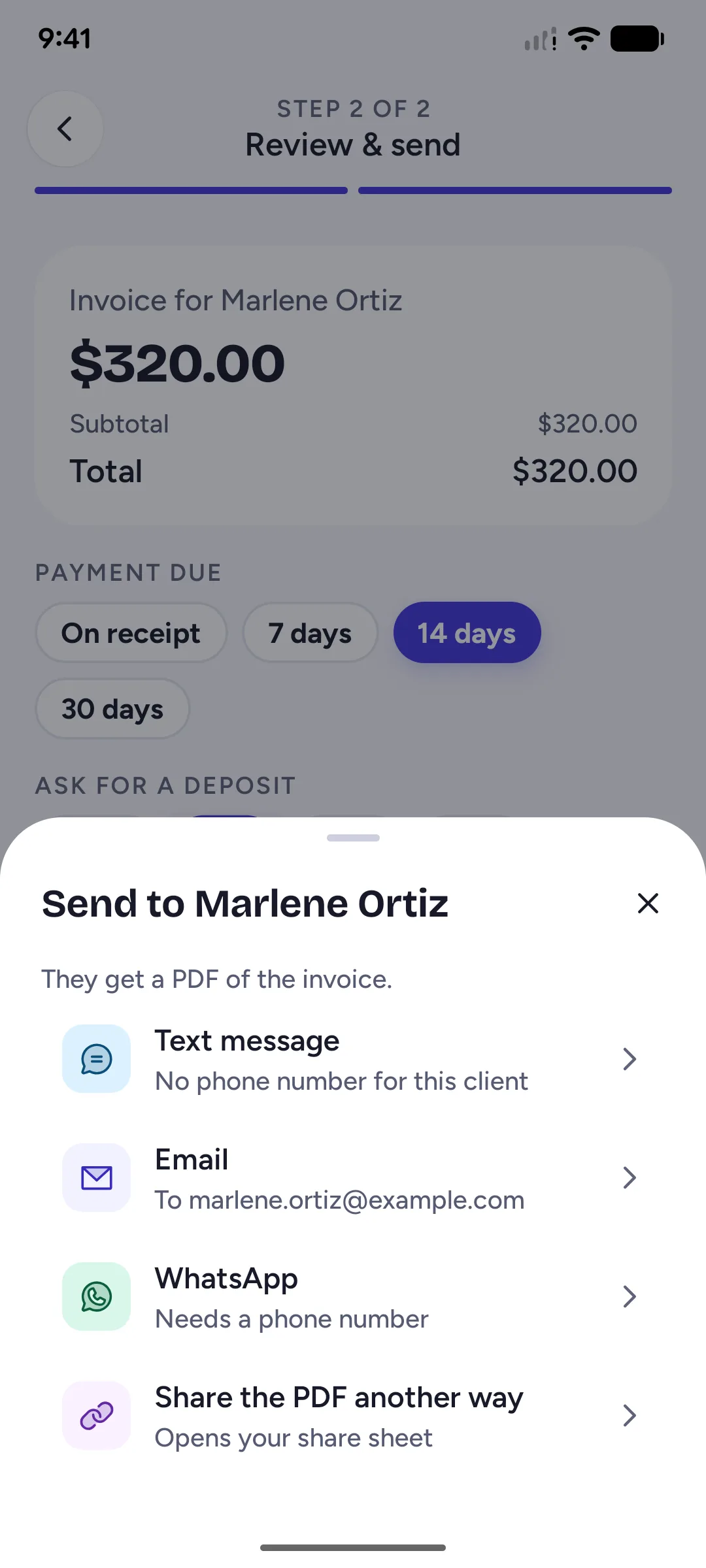
- Sent by Text, WhatsApp or email before you drive off
- A Today list that shows exactly who owes you
Photo proof
Show them the photo.
Every job keeps its Before and After photos on the record. With Pro they print as photo pages right after the totals, so the work speaks before you have to.
Label it in a tap
Before or After. Up to 10 shots a job, sorted as you take them.
Kept with the job
The photos stay on the record, so the answer is there when the question comes.
In the PDF with Pro
Photo pages after the totals, on quotes and invoices alike.
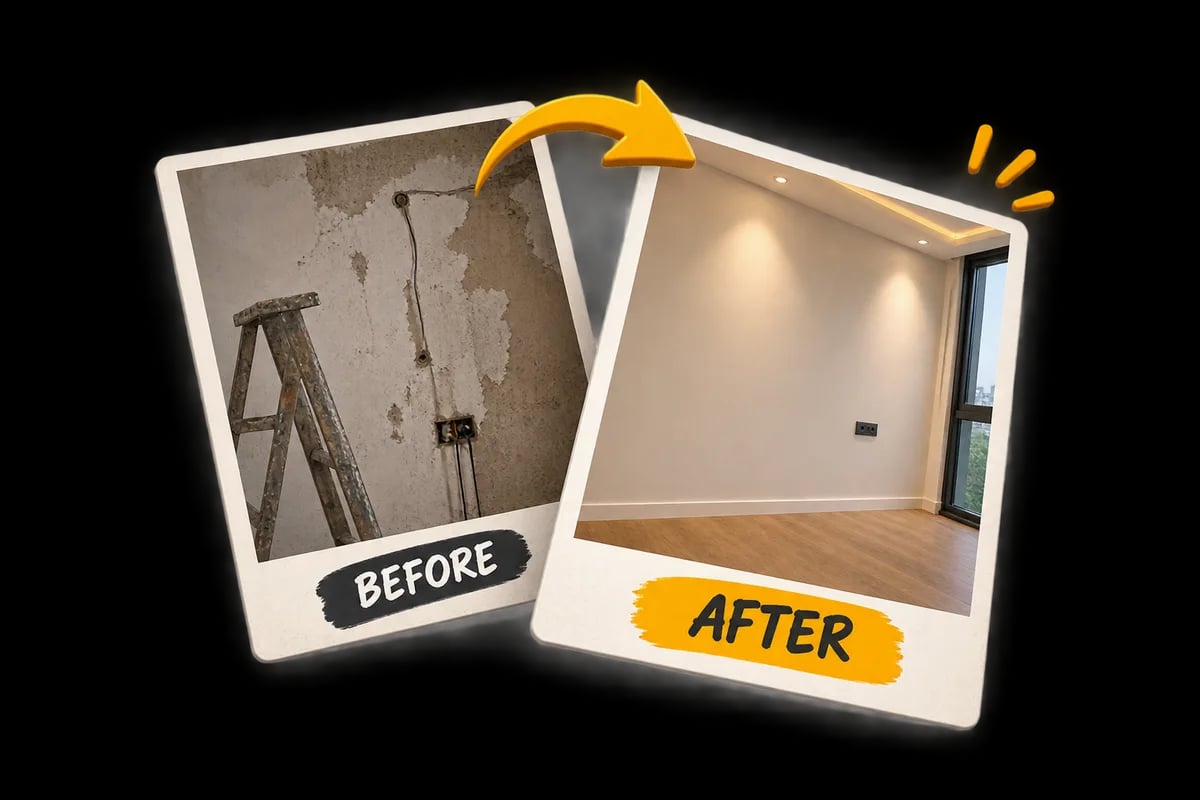
Before · After · On the job
How it works
Three steps. One clean document.
You already photograph the job. SnapEnvoice turns those photos into a quote or invoice your client can pay, with no desk and no signal needed.

Snap
Photograph the job.
Tap Snap and the camera opens first. Label each shot Before or After, and the photos start the document.

Price
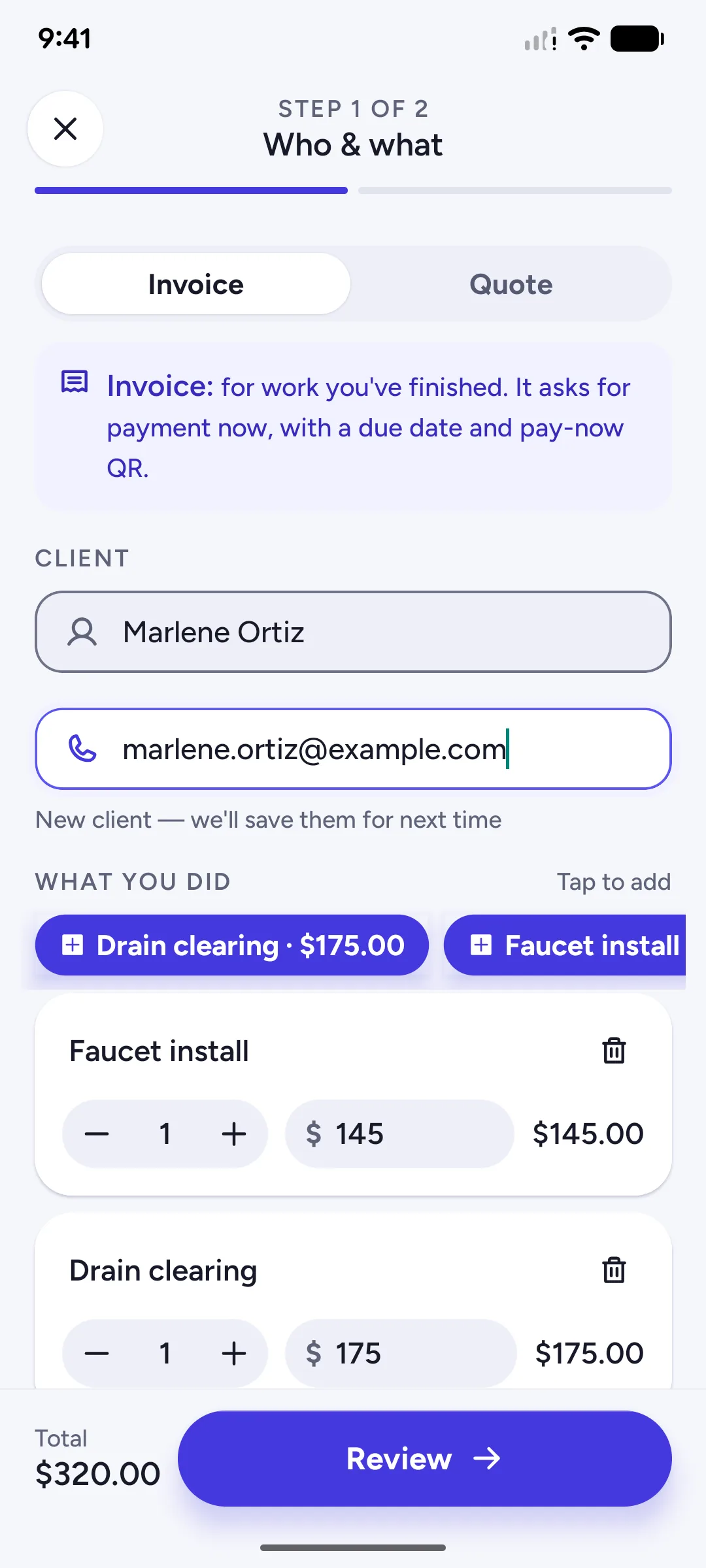
Pick the client, add lines.
Lines from your saved price book, tax per line, a deposit, a discount and a due date. Exact to the cent.

Send
Send it your way.
Text, Email, WhatsApp or a link. Your messaging app opens with the message ready, and the number is set only when you send.
What you get
One job, done well.
Not accounting software squeezed onto a phone. A tool for quoting, invoicing and getting paid, built for the van and the driveway.
Camera-first
Tap Snap in the middle of the dock and the camera opens first. Up to 10 photos per job, each labelled Before or After, so the work is on the record.
Sets us apartA pay QR on every invoice
Each invoice with a balance carries one QR (EPC, Swiss QR-bill, Pix, UPI, PromptPay, PayNow or a pay link) plus your bank, Zelle, check or cash details.
Sets us apartChase without the awkward
Today lists overdue invoices, won quotes and jobs due soon. One tap opens a friendly, firm or final message in your messaging app. You press send.
Quote, then invoice
Send the quote and convert it to an invoice when you win the job. The accepted quote is kept as it was.
Works with no signal
Snap, price, save and preview with zero bars. Anything that needs a network says it will send when you’re back online.
A clean page for your client
Share a link. Your client views the PDF, accepts a quote by typing their name and sees how to pay. You see when they opened it.
Looks like a pro made it
Your logo and signature, five PDF templates (one free, four with Pro) and seven PDF languages, including Arabic right to left.
No account. Your records.
Use the whole app without signing up. Your data lives on your phone first, with backup, restore and a CSV for your accountant. An optional account adds sync.
A look inside
Every screen earns its place.
Big buttons, clear numbers, nothing in the way. Real screens from the app, in the order you’d use them.
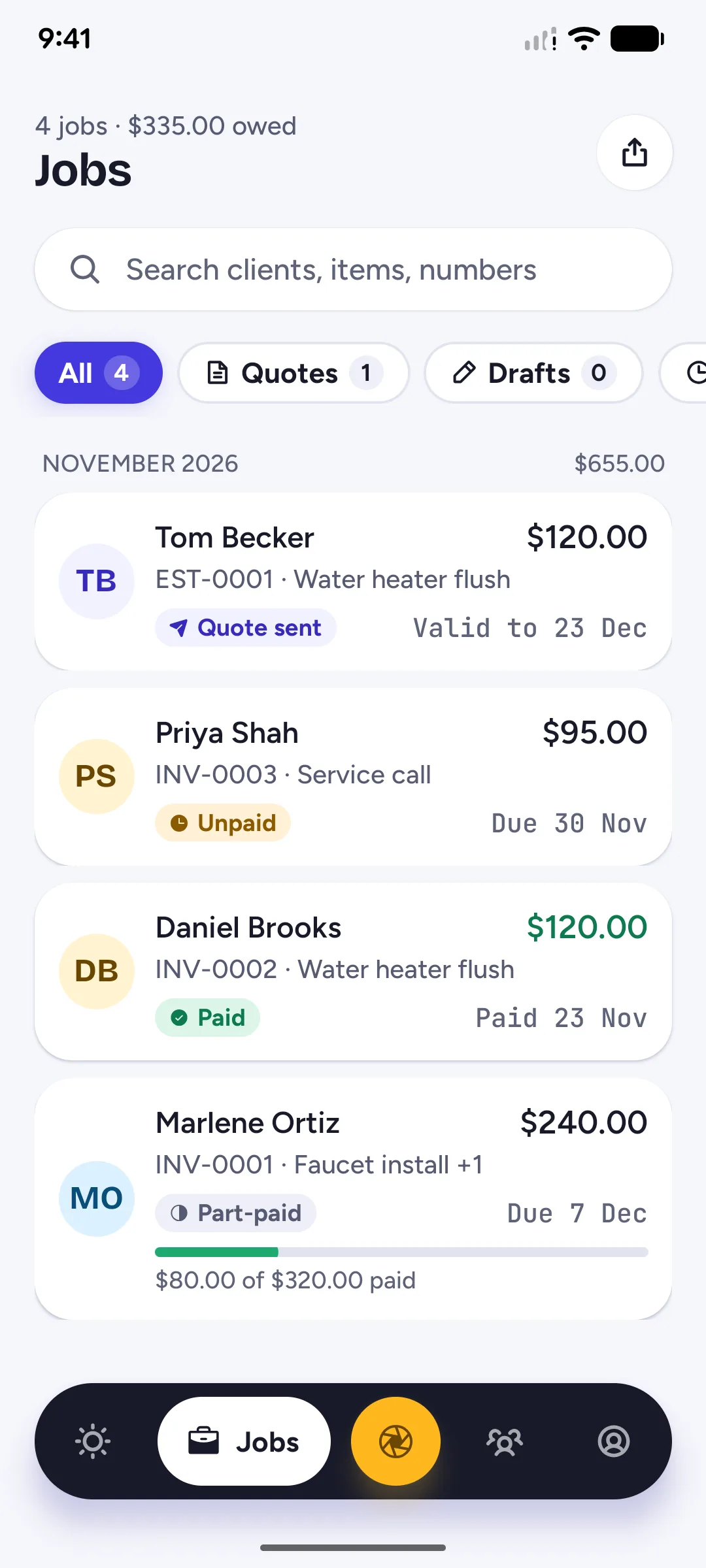
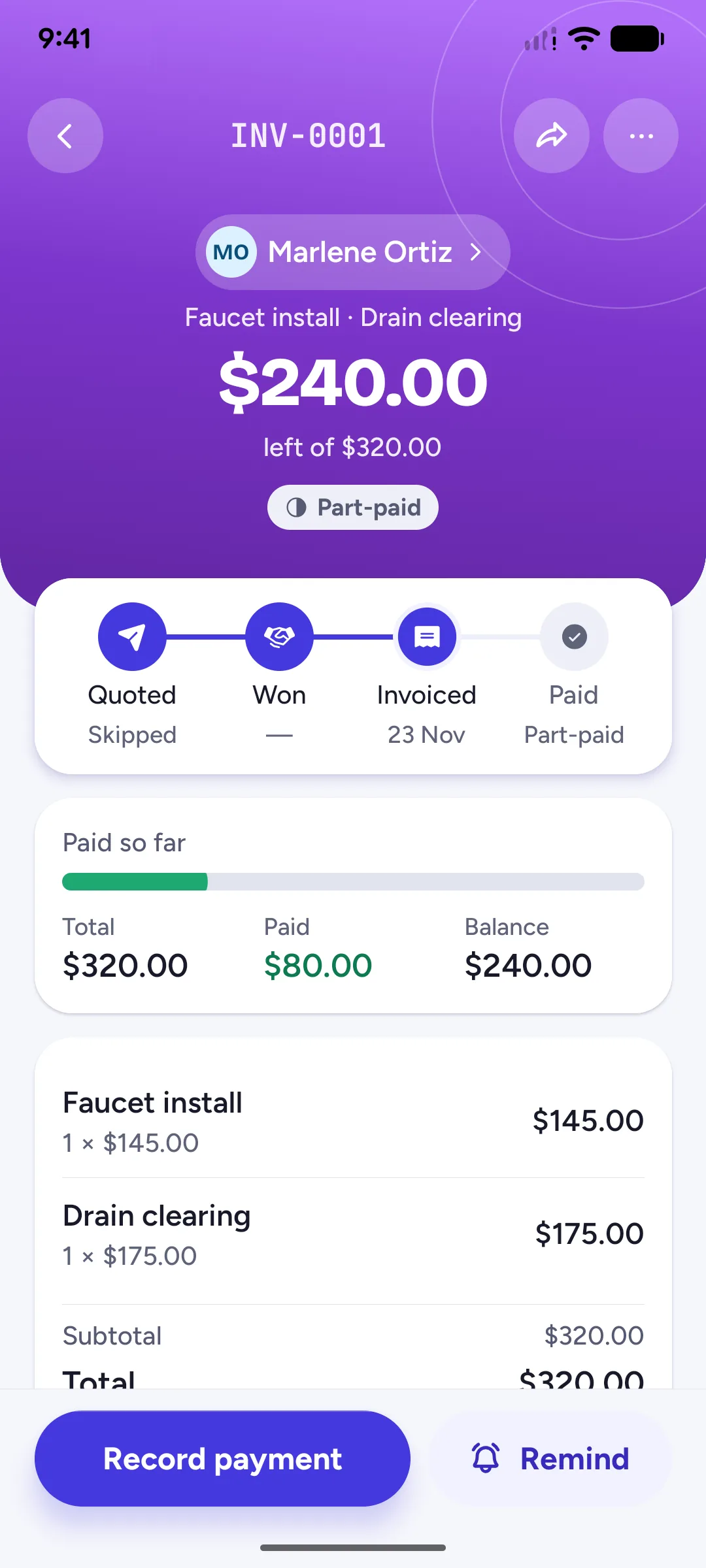
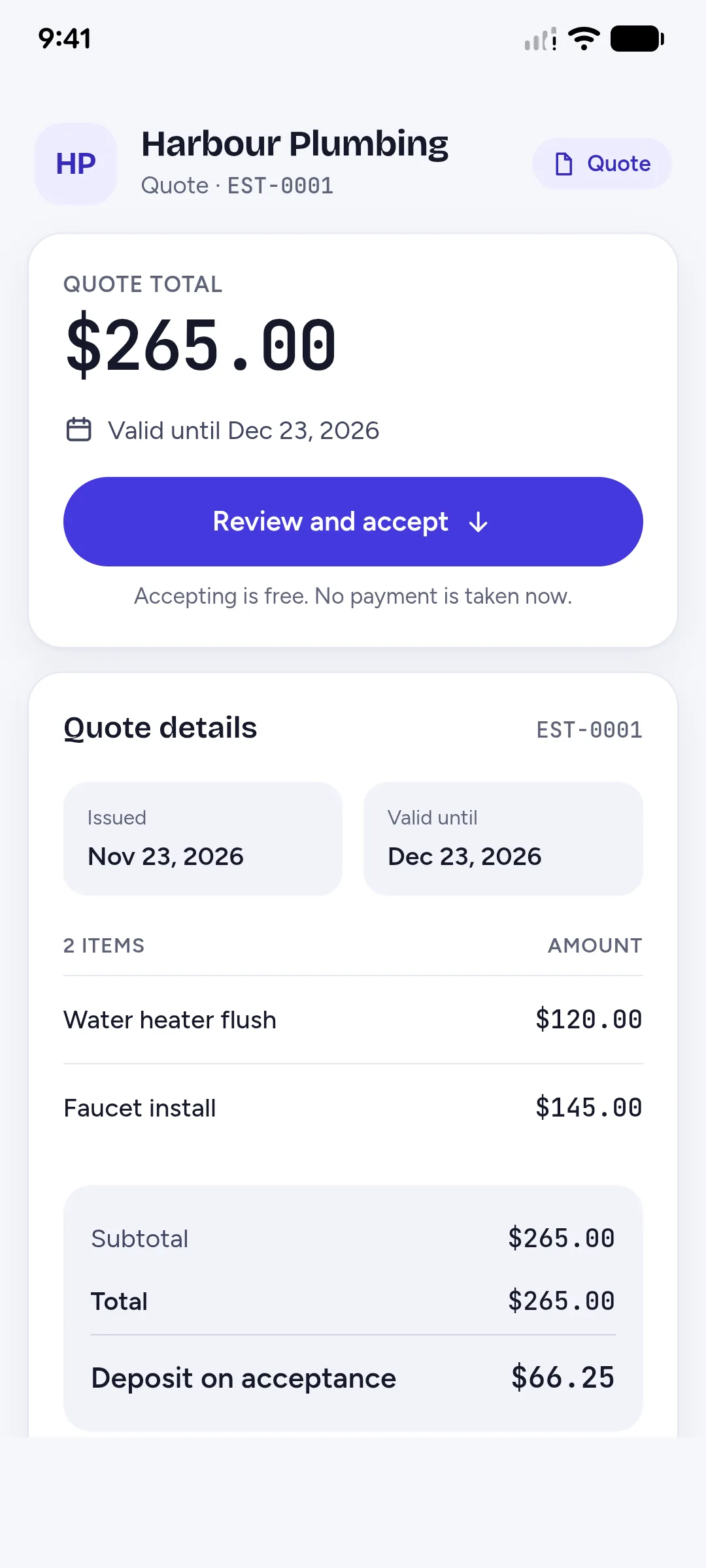
Swipe to exploreDrag, or use the arrows
Get paid faster
The polite payment chaser.
Today puts the jobs that need you on top: overdue invoices, won quotes, quotes going cold. One tap to Remind, one tap to Collect. Nothing goes out without you.
See who owes you
Jobs shows what you’re owed and where each job stands: quote sent, unpaid, part-paid, paid. Today puts the ones to chase first.
Friendly. Firm. Final.
Pick a tone and the message is written. Your messaging app opens and you press send. Free on every plan.
They pay you directly
Your client’s page shows the pay QR, a pay link and your bank details. The money goes straight to you, then you tap Record payment.
Swipe through all 3 steps
ProWith Pro, a 09:00 prompt on the days you pick opens the Remind sheet for you. You still tap send.
Why SnapEnvoice
The job isn’t done until there’s proof.
Every trade we build for already carries a camera: the phone in your pocket. We think the invoice should start there, not end with a photo stapled to a paper form.
That’s the whole bet. Build the proof in from the first tap, and let the phone handle the paperwork while you handle the work.
Launch pricing
Free to start. Pro when you grow.
No card for Free. No weekly plans. One Pro price, cancel anytime in the store.
Free
No card. No account.
- 12 documents sent, for life (quotes and invoices share the count)
- Drafts never count toward it
- Photos, clients, price book and payments
- Client link with pay QR and bank details
- Works offline, with backup and CSV export
- The Clean PDF template
Free PDFs carry a small “Created with SnapEnvoice” line.
Join the waitlistPro
Everything in Free, plus:
- Unlimited sending
- Brand-free PDFs with your logo
- Four more templates, in your colour
- Before and after photo pages in the PDF
- Reminder prompts on the days you pick
- A trust badge from your own job history
Cancel anytime in Google Play or the App Store.
Launch prices in USD. The store shows the price in your currency before you buy.
Who it’s for
Built for people who work with their hands.
If you get paid per job and your phone is your office, this was made for you. Here’s where it fits in a working day.

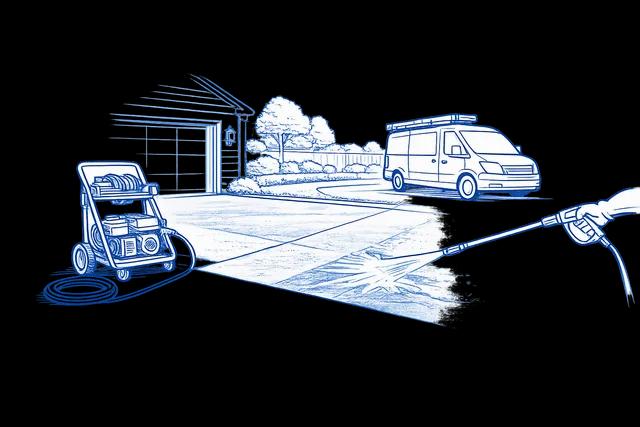
Mobile detailers
Solo, booked through DMs, working from the truck.
Where it helps
Before and After shots go on the job as they’re taken, and the invoice is sent from the driveway with a pay QR on it.

Landscaping crews
Quote first, invoice after, often with no signal.
Where it helps
The quote is priced from saved lines in the yard. When the client accepts, it becomes an invoice in one tap.
Handymen
Not technical. Big buttons, no jargon, no sign-up.
Where it helps
No account to make, no settings maze. The first job goes out with a clean PDF and a pay QR the client can scan.
Weekend hustlers
Cash flow is everything. Can’t float unpaid work.
Where it helps
Today shows the overdue invoice before it’s forgotten, and Remind opens a polite message ready to send.

Roofers
Storm season is a blur of quotes, tarps and calls.
Where it helps
Damage photos stay with the job, and with Pro they print right after the totals on the quote.
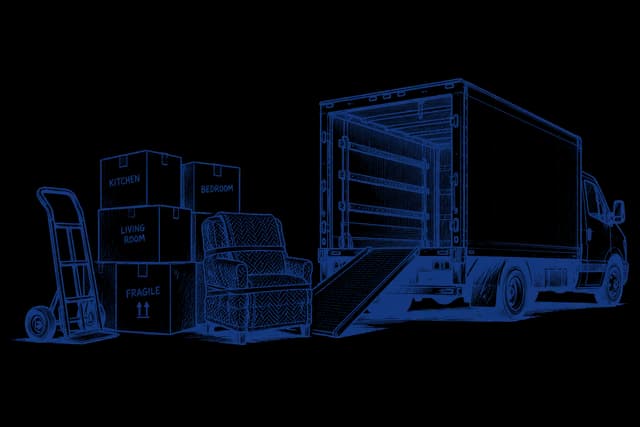
Moving crews
Every job ends with someone asking about the dresser.
Where it helps
Condition photos are labelled Before as the truck is loaded, so the record exists before the question does.
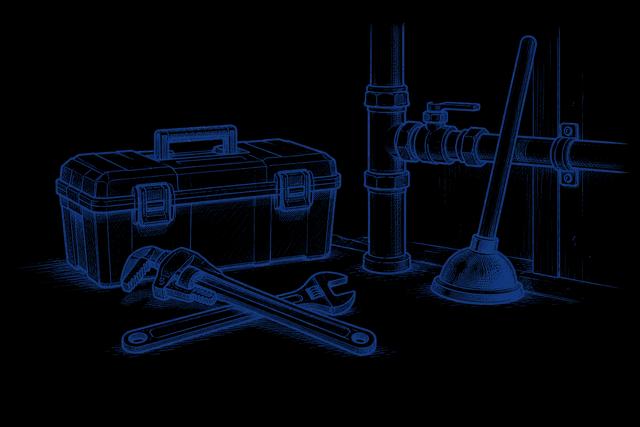
Plumbers
Emergency calls and a homeowner who wants to see it.
Where it helps
A Before shot of the leak and an After shot of the fix sit on the same job as the invoice.
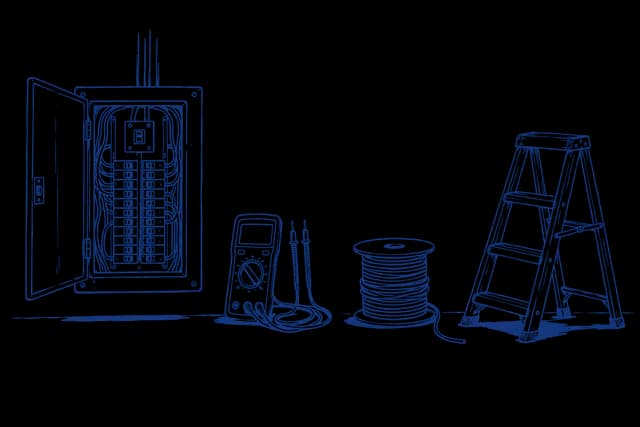
Electricians
Work nobody can see once the cover is back on.
Where it helps
The wiring photo is on the job record long after the panel is closed, and the invoice carries your logo.
Illustrative use cases for the trades SnapEnvoice is built for. Not customer reviews.
Questions
Straight answers.
SnapEnvoice is coming soon to Android and iPhone. Join the waitlist, tell us which phone you use, and we’ll email you when it’s ready for yours.
Yes. You can snap, price, save and preview a job with zero bars. Sending uses your messaging app. If something needs a network, such as creating a client link, the app tells you it will send when you’re back online instead of pretending it sent.
You do. Your jobs, clients and photos are stored on your phone first. You can export a backup or a CSV at any time, and Erase everything wipes the phone.
No. You can use the whole app without one. An optional account (Google, Apple on iPhone, or a code sent to your email) adds sync between your devices.
Free covers your first 12 sent documents, for life, and drafts don’t count. Pro is $12.99/month or $89.99/year, and the annual plan starts with 7 free days. There are no weekly plans.
Yes, any time, in Google Play or the App Store. On the annual plan, cancel before the 7-day trial ends and you aren’t charged.
A link to a clean page where they view the PDF, accept a quote by typing their name, and see how to pay: a QR, a pay link and your bank details. Quote links expire after 180 days; invoice links stay open until you revoke them. You can see when the link was opened.
17 currencies: USD, EUR, GBP, CAD, AUD, NZD, CHF, JPY, INR, PKR, AED, SAR, MXN, BRL, ZAR, NGN and PHP. PDFs come in English, Spanish, French, German, Portuguese, Italian and Arabic.
No. Reminders are prompts on your phone. You tap, your messaging app opens with the message ready, and you press send.
Yes, by default, so we can fix bugs. Reports carry technical details, never your jobs, clients, photos or amounts. You can turn them off in the app under Help, with the Send crash reports switch.
Still wondering something? hello@snapenvoice.com

The job’s done.
Now get paid for it.
Join the waitlist and we’ll email you once, when SnapEnvoice is ready for your phone.
Coming soon to Android & iPhone